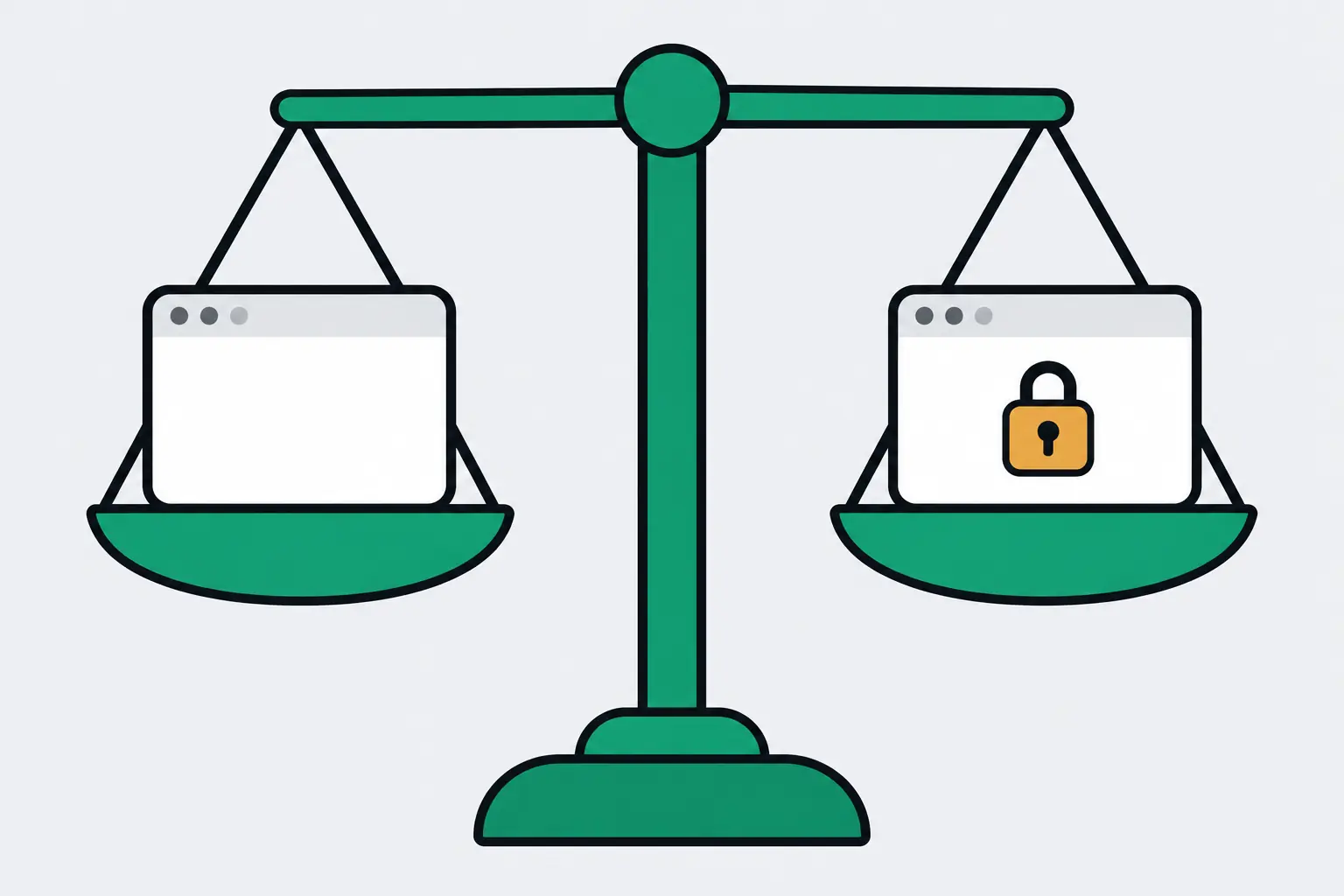
When youtube-transcript-api works on your laptop and raises RequestBlocked on AWS, a VPS, Colab or a CI runner, your code is fine. YouTube is refusing your server’s IP: it answers requests from cloud and datacenter addresses with “Sign in to confirm you’re not a bot” instead of captions, and the library gives up in under a second.
From a fresh cloud server, 1 of 10 popular videos comes back; the other nine raise RequestBlocked. Two fixes still work: send the library through rotating residential proxies, or let a hosted transcript API make the request so your server never talks to YouTube. The third fix the error message offers, cookies, is switched off in the current release.
The block hides inside an HTTP 200
Each fetch is three requests. The library loads the video’s watch page to read an API key, posts to YouTube’s internal player endpoint as the Android app, then downloads the caption track the player lists. From a datacenter IP the first request goes through: about 1.3 MB of HTML, key included, no captcha. The second also returns 200, but its body says LOGIN_REQUIRED, with the bot check as the reason. The library raises RequestBlocked and never sends the third.
So curling youtube.com from your server proves nothing: the page loads and every status code is 200. Without a proxy config the library doesn’t retry, and retrying yourself from the same IP gets the same answer.
IpBlocked is the other flavour: an HTTP 429, or a reCAPTCHA page where the watch page should be. It subclasses RequestBlocked, so one except RequestBlocked catches both. Versions before 1.0.0 reported the same block as TranscriptsDisabled (“Subtitles are disabled for this video”), so if an old pinned version swears a popular video has no subtitles, it’s probably being blocked too.
A green smoke test can hide a blocked server
On that blocked server, one video still worked: Rick Astley’s Never Gonna Give You Up, dQw4w9WgXcQ, the go-to test video. It came back all three times. Nine other popular videos raised RequestBlocked. A deploy check that fetches only that id goes green while the jobs behind it fail.
Check a server with the videos your job needs. If most of them raise RequestBlocked, it’s the IP.
from youtube_transcript_api import YouTubeTranscriptApi

api = YouTubeTranscriptApi()
ids = [  # use your own
    "dQw4w9WgXcQ",
    "kJQP7kiw5Fk",
    "arj7oStGLkU",
]
for vid in ids:
    try:
        t = api.fetch(vid)
        print(vid, "OK", len(t))
    except Exception as e:
        print(vid, type(e).__name__)

# From a cloud server:
# dQw4w9WgXcQ OK 61
# kJQP7kiw5Fk RequestBlocked
# arj7oStGLkU RequestBlocked
Cookies are off in 1.2.4, and proxies need upkeep
The error message offers cookies as its second fix, with a warning that YouTube will eventually ban the account you log in with. In 1.2.4, the current release, cookie auth is switched off (“Cookie auth has been temporarily disabled”), CLI flag included.
Its first fix is a proxy. The README recommends rotating residential proxies, because YouTube bans static ones after extended use. There’s a built-in config for one residential provider, and GenericProxyConfig for any other:
from youtube_transcript_api import YouTubeTranscriptApi
from youtube_transcript_api.proxies import GenericProxyConfig

proxy = GenericProxyConfig(
    http_url="http://user:pass@my-custom-proxy.org:port",
    https_url="https://user:pass@my-custom-proxy.org:port",
)
ytt_api = YouTubeTranscriptApi(proxy_config=proxy)
ytt_api.fetch(video_id)
Know how retries behave before you buy traffic. The built-in provider config retries a blocked video up to 10 times; GenericProxyConfig tries once unless you subclass it and raise retries_when_blocked. Every attempt starts over at the watch page, so each refusal still costs a full page of traffic, and residential traffic is billed by the gigabyte.
If the videos are your own, there’s an official route. The YouTube Data API’s captions.download needs OAuth and permission to edit the video, and each call costs 200 of your 10,000 daily quota units, so 50 downloads a day. It can’t read anyone else’s videos.
Or take YouTube off your server: one GET
With a hosted API, your server makes one HTTPS call and the YouTube side happens elsewhere, so it stops mattering where your code runs. LurkAPI’s transcript endpoint fetches the captions for you, and a cached repeat comes back in 20 ms.
api.lurkapi.com/v1/youtube/video/transcript1 credit per callRead the docs curl "https://api.lurkapi.com/v1/youtube/video/transcript?url=https://www.youtube.com/watch?v=arj7oStGLkU" \
-H "x-api-key: $LURK_KEY"The JSON, trimmed to 2 segments
{
  "success": true,
  "credits_charged": 1,
  "videoId": "arj7oStGLkU",
  "url": "https://www.youtube.com/watch?v=arj7oStGLkU",
  "language": "English",
  "languageCode": "en",
  "isGenerated": false,
  "transcript": [
    { "text": "So in college,", "startMs": 12645, "endMs": 14015, "startTimeText": "0:12" },
    { "text": "I was a government major,", "startMs": 15349, "endMs": 16913, "startTimeText": "0:15" }
  ],
  "transcript_only_text": "So in college, I was a government major, …",
  "availableLanguages": [
    { "code": "ar", "name": "Arabic", "isGenerated": false },
    { "code": "hy", "name": "Armenian", "isGenerated": false },
    { "code": "bg", "name": "Bulgarian", "isGenerated": false }
  ]
}
Each call is 1 credit: $0.45 to $0.90 per 1,000 transcripts depending on the pack, and a new account starts with 100 free credits.
Switching from the library takes a few lines. Segments come back as text, startMs and endMs; to_snippet converts one to the library’s text, start and duration:
import requests

API = ("https://api.lurkapi.com"
       "/v1/youtube/video/transcript")
KEY = "lk_live_..."

def transcript(video_id):
    r = requests.get(
        API,
        params={"url": video_id},
        headers={"x-api-key": KEY},
        timeout=30,
    )
    r.raise_for_status()
    return r.json()["transcript"]

def to_snippet(seg):
    s = seg["startMs"]
    e = seg["endMs"]
    return {
        "text": seg["text"],
        "start": s / 1000,
        "duration": (e - s) / 1000,
    }

segs = transcript("arj7oStGLkU")
print(len(segs), to_snippet(segs[0]))
# 315 {'text': 'So in college,',
#  'start': 12.645, 'duration': 1.37}
One default differs. The library asks for English only and raises NoTranscriptFound otherwise; the endpoint returns English when the video has it and falls back to the video’s main language when it doesn’t. Pass language=es (or pt-BR, and so on) for a specific track, and check languageCode if you need English. A video with no captions returns 404 not_found.
For a whole channel, list its uploads with channel videos and make one transcript call per video. For one transcript without code, the free YouTube transcript tool runs the same endpoint in your browser, or try it here:
GET/v1/youtube/video/transcript
1 credit per requestPress Run to fetch live data
Results come back as a table you can download as CSV, or as the raw JSON.