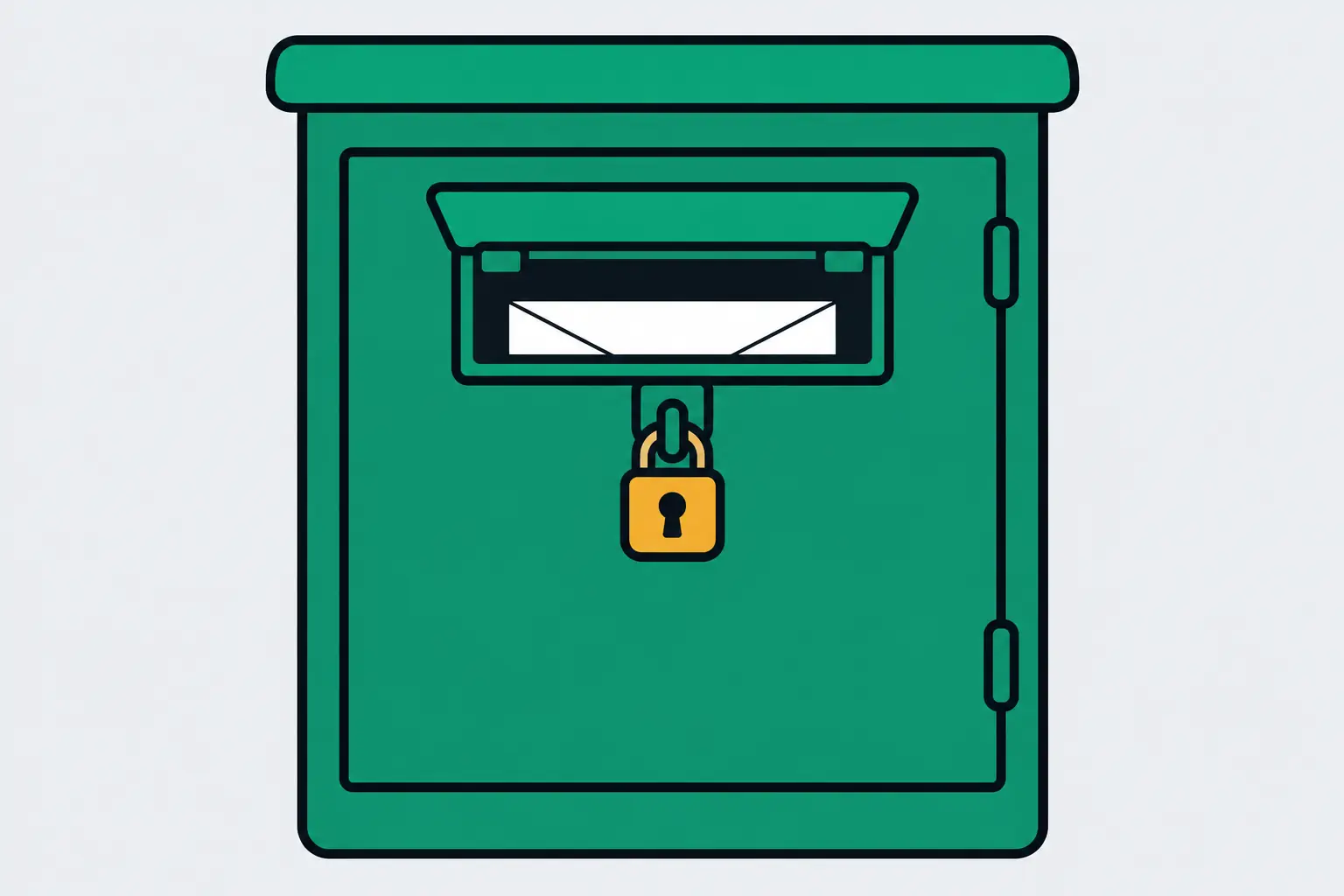
Open the channel, click its description to bring up the About panel, and click View email address. You need to be signed in to Google, and the button is only there if the creator added a business email in YouTube Studio.
That button is where most YouTubers’ emails are. Of 80 channels big and small, 55 had set a business email, and only 16 of them also typed it into the description where anyone can read it. Even MrBeast keeps his behind the button.
You can tell there’s an email before you sign in
Signed out, the About panel still gives it away. Where the button would be, it says “Sign in to see email address”, and YouTube only shows that when there’s an address to see: its help page says you can view one only “if the channel owner has provided one”. So you can sort a shortlist without signing in, and sign in only for the channels that have the line.
Read the description first, since it takes seconds. When creators publish the address there, it sits next to a word like business, sponsor, collab or inquiries, so search the page for “business” before you scroll. Our free YouTube channel lookup shows a channel’s full description and every link with no Google account, 5 lookups a day.
Then sign in and click through the channels that show the line, one by one. Google often puts a captcha in front of the address, so this stays a by-hand job. Expect to click for most creators past 100,000 subscribers: nearly all of them have the button.
No button? Their links and TikTok bio come next
Channels with neither a button nor a published address are mostly small, and many have no links either, so YouTube has nothing more to give you for them.
Look at their other profiles instead. Smaller creators put an email in their TikTok bio far more often than in a YouTube description, and TikTok shows bios to anyone, signed in or not. For a list, our TikTok profile endpoint returns the bio as signature and its link as bioLink, for 1 credit.
A website or link-in-bio page is a way around the sign-in, too, and many creators who hide their email behind the button link one. Look for a contact, press or media-kit page on the site itself, since channels rarely link a contact page directly. When the link is a Linktree, our Linktree endpoint returns the address from its email icon if the creator added one, for 1 credit.
For a long list, let a script sort the channels
Past a handful of creators, clicking through channels gets slow. The YouTube channel endpoint returns a channel’s full description and its links for 1 credit, so you know which channels publish an address, which links to open, and which About panels to check before you sign in. A new account’s 100 free credits cover 100 channels.
Channel detailsA channel's subscribers, total views, video count, join date, country, links and description.GETapi.lurkapi.com/v1/youtube/channel1 credit per callRead the docs curl -G https://api.lurkapi.com/v1/youtube/channel \
--data-urlencode "handle=MrBeast" \
-H "x-api-key: $LURK_KEY"{
"success": true,
"credits_charged": 1,
"handle": "MrBeast",
"name": "MrBeast",
"subscriberCountText": "520M subscribers",
"description": "SUBSCRIBE FOR A COOKIE! …",
"links": [
"https://www.themostdangerousgames.com/",
"https://www.instagram.com/mrbeast/",
"https://twitter.com/MrBeast",
"https://facebook.com/mrbeast/"
]
}A Python script that checks a shortlist
# Flags channels with an address in the description and lists their links.
# Run: LURK_KEY=your_key python3 check_channels.py
import os, re
import requests

EMAIL = re.compile(r"[\w.+-]+@[\w-]+(\.[\w-]+)*\.[a-z]{2,}", re.I)
handles = ["MrBeast", "mkbhd", "NYTCooking"]

for handle in handles:
    r = requests.get(
        "https://api.lurkapi.com/v1/youtube/channel",
        params={"handle": handle},
        headers={"x-api-key": os.environ["LURK_KEY"]},
        timeout=90,
    ).json()
    found = "yes" if EMAIL.search(r["description"]) else "no"
    print(f"{found:<3}  {handle} ({r['subscriberCountText']})")
    for link in r["links"]:
print(" ", link)no MrBeast (520M subscribers)
https://www.themostdangerousgames.com/
https://www.instagram.com/mrbeast/
https://twitter.com/MrBeast
https://facebook.com/mrbeast/
yes mkbhd (21.4M subscribers)
http://twitter.com/MKBHD
http://instagram.com/MKBHD
http://youtube.com/c/TheStudio
http://reddit.com/r/MKBHD
http://discord.gg/MKBHD
no NYTCooking (1.35M subscribers)
https://cooking.nytimes.com/
https://www.instagram.com/nytcooking
https://www.facebook.com/nytcooking
https://www.pinterest.com/nytcookingIt flags channels with an address in the description and lists their links. For a yes, read the address on the channel, with whatever the creator wrote around it.
Before you send, do what the creator asked
Read the words around the address and follow them. One channel with over a million subscribers puts “Business inquiries only” right in front of its email.
In the US, a pitch that promotes a product or service falls under CAN-SPAM, business email included: accurate headers and subject line, a clear sign it’s an ad, your postal address, and an opt-out you honor within 10 business days (FTC guide). For creators in the EU, many countries require consent before marketing email to an individual, and the GDPR asks your first message to say where you found the address and that they can object. Once they object, you stop.