LurkAPI is the best LinkedIn scraper overall: 1,000 profiles or company pages cost $0.90 ($0.45 on the Scale pack), 1,000 job listings cost $0.09, and one key reads profiles, companies, jobs and LinkedIn's Ad Library without logging in to LinkedIn. ScrapeCreators suits post search, Apify email lookups, PhantomBuster and Evaboot searches on your own LinkedIn account, and JobSpy free job searches in Python.
The best LinkedIn scrapers at a glance
| Service | Best for | What it covers | Price per 1,000 profiles | Speed | Free to start |
|---|---|---|---|---|---|
| LurkAPI | Profiles, companies, jobs and ads on one key | Profiles, companies, posts, jobs, ads | $0.90 to $0.45; 1,000 job listings $0.09 | 1.17 s a profile (median) | 100 credits, then 25 a day, no card |
| ScrapeCreators | Searching posts | Profiles, company pages, posts, post search, the Ad Library | $1.88 to $0.99 per 1,000 requests | 3.12 s average, all endpoints | 100 credits |
| Apify (HarvestAPI) | Profiles with an email lookup | Profiles, company pages, jobs, in separate scrapers | $4 ($3.20 on higher plans), $10 with email search | Not published | $5 of usage a month |
| Bright Data | A steady monthly volume | Profiles, companies, jobs, posts | $1.50, or $1.30 on a $499 monthly plan | Not published | 5,000 records a month |
| PhantomBuster | Exporting your own searches | Profiles, company pages, search exports, on your account | Subscription from $69 a month | 80 company pages a day on a free account | Free trial |
| Evaboot | Sales Navigator lead lists | Leads from Sales Navigator searches | $49 a month for 1,000 leads, plus a $119.99 seat | Not published | Not published |
| JobSpy | Free job searches in Python | Job listings | Free | Not published | Open source |
| linkedin_scraper | Profiles from Python, logged in | Profiles and company pages, on your account | Free | Not published | Open source |
1. LurkAPI: the best LinkedIn scraper overall
LurkAPI turns LinkedIn's public pages into clean JSON, one request per profile, company page, job or search.
- Covers: Profiles, company pages and their posts, job search, job details and the Ad Library: 7 endpoints.
- Price: 1 credit a call: $0.90 per 1,000 on the Starter pack, $0.45 on Scale. A job search returns 10 listings a call, so 1,000 listings cost $0.09 to $0.045.
- Speed: 1.17 s for a profile and 0.53 s for a page of jobs (medians).
- Best for: Lead and account lists, hiring signals and competitors' LinkedIn ads.
Why it's #1
- Cheapest of the paid services: 1,000 profiles cost $0.90 on the $9 Starter pack. No other paid service here goes below ScrapeCreators' $0.99, and that takes its $497 pack.
- Fastest: a profile in 1.17 s, a page of jobs in 0.53 s. ScrapeCreators, the only other service here that publishes a speed, averages 3.12 s.
- 1,000 job listings cost $0.09. The next lowest paid price here is Apify's $1.00.
Try it on a public profile:
GET/v1/linkedin/profile
1 credit per requestRun it to see live data here.
2. ScrapeCreators: best for searching LinkedIn posts
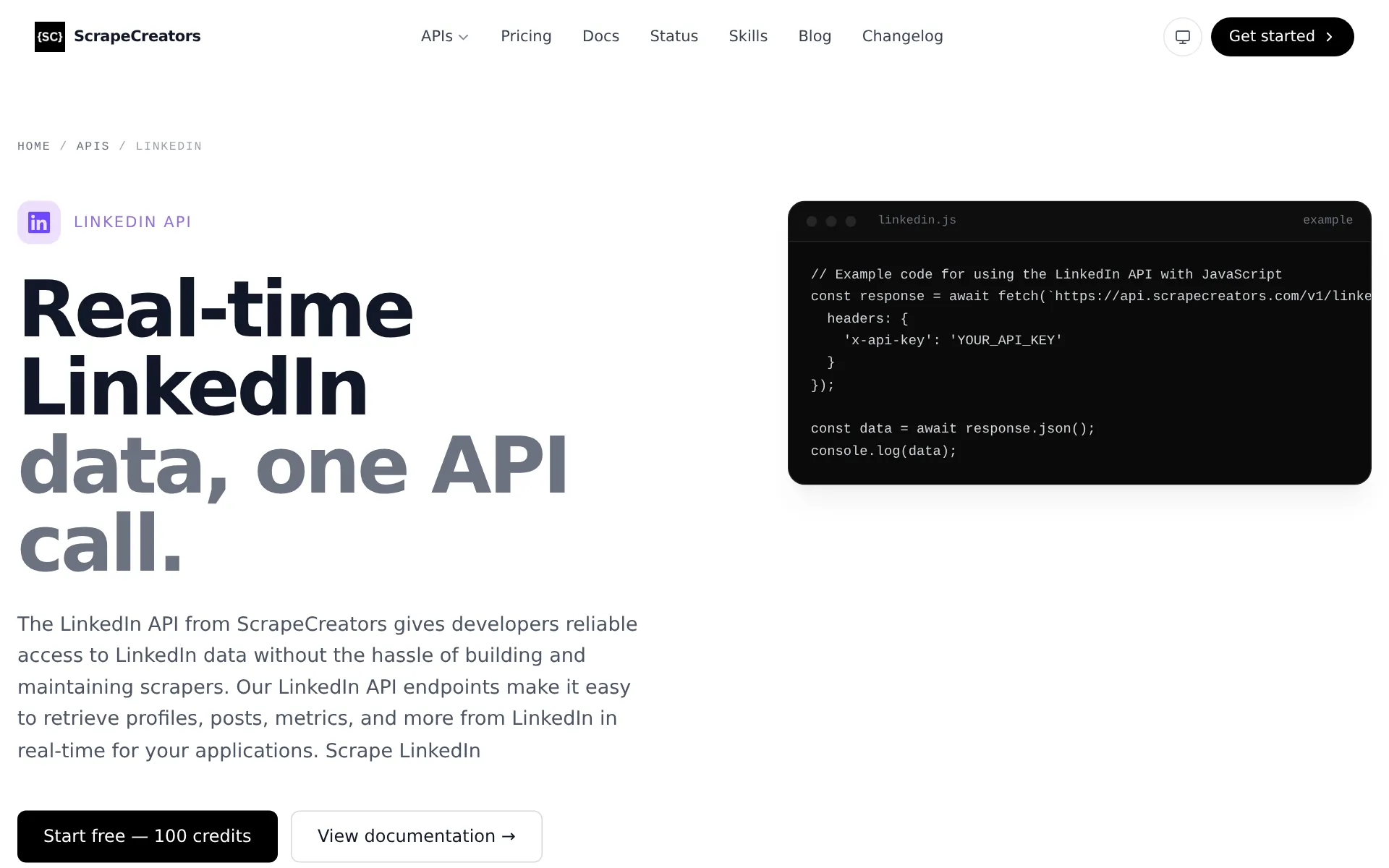
ScrapeCreators is a social media data API billed per request, in credit packs that never expire.
- Covers: Profiles, company pages and posts, post search and the Ad Library.
- Price: $1.88 per 1,000 requests, $0.99 on its $497 pack.
- Speed: 3.12 s on average across its API.
- Best for: Searching LinkedIn posts by keyword.
- Limits: No job listings, and the smallest pack is $47.
- Compared with LurkAPI: 1,000 profiles cost $0.90 to $0.45 on LurkAPI, each answered in 1.17 s, with job search on the same key.
3. Apify: best for profiles with an email lookup
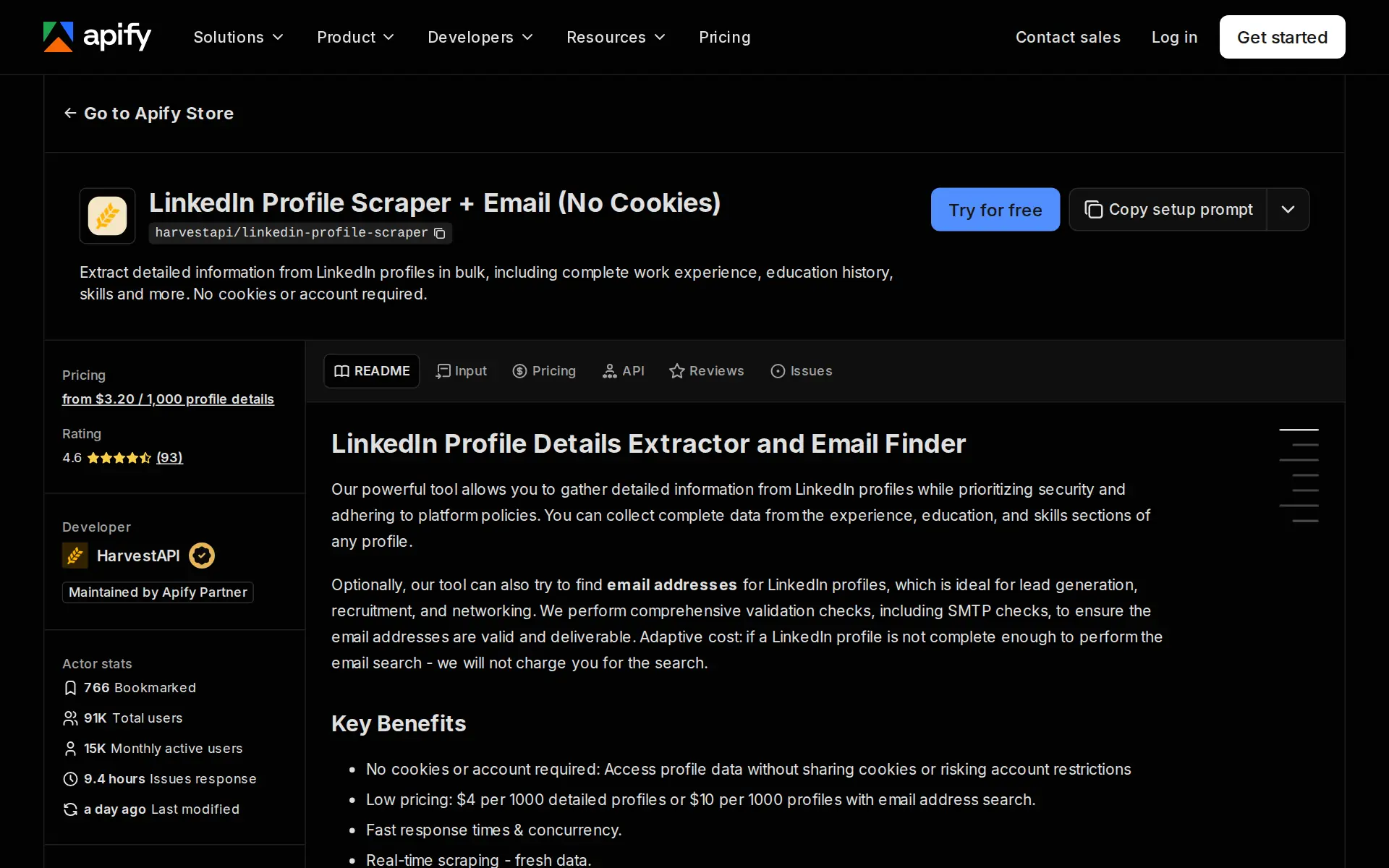
Apify is a marketplace of ready-made scrapers. These prices are HarvestAPI's.
- Covers: Profiles, company pages and job listings.
- Price: $4 per 1,000 profiles ($3.20 on higher Apify plans), $10 with an email address search.
- Speed: Not published.
- Best for: Profiles with an email lookup, run from a form.
- Limits: Profiles, companies and jobs are separate scrapers, each billed per item.
- Compared with LurkAPI: The same 1,000 profiles cost $0.90 to $0.45 on LurkAPI, and 1,000 listings $0.09.
4. Bright Data: best for a steady monthly volume
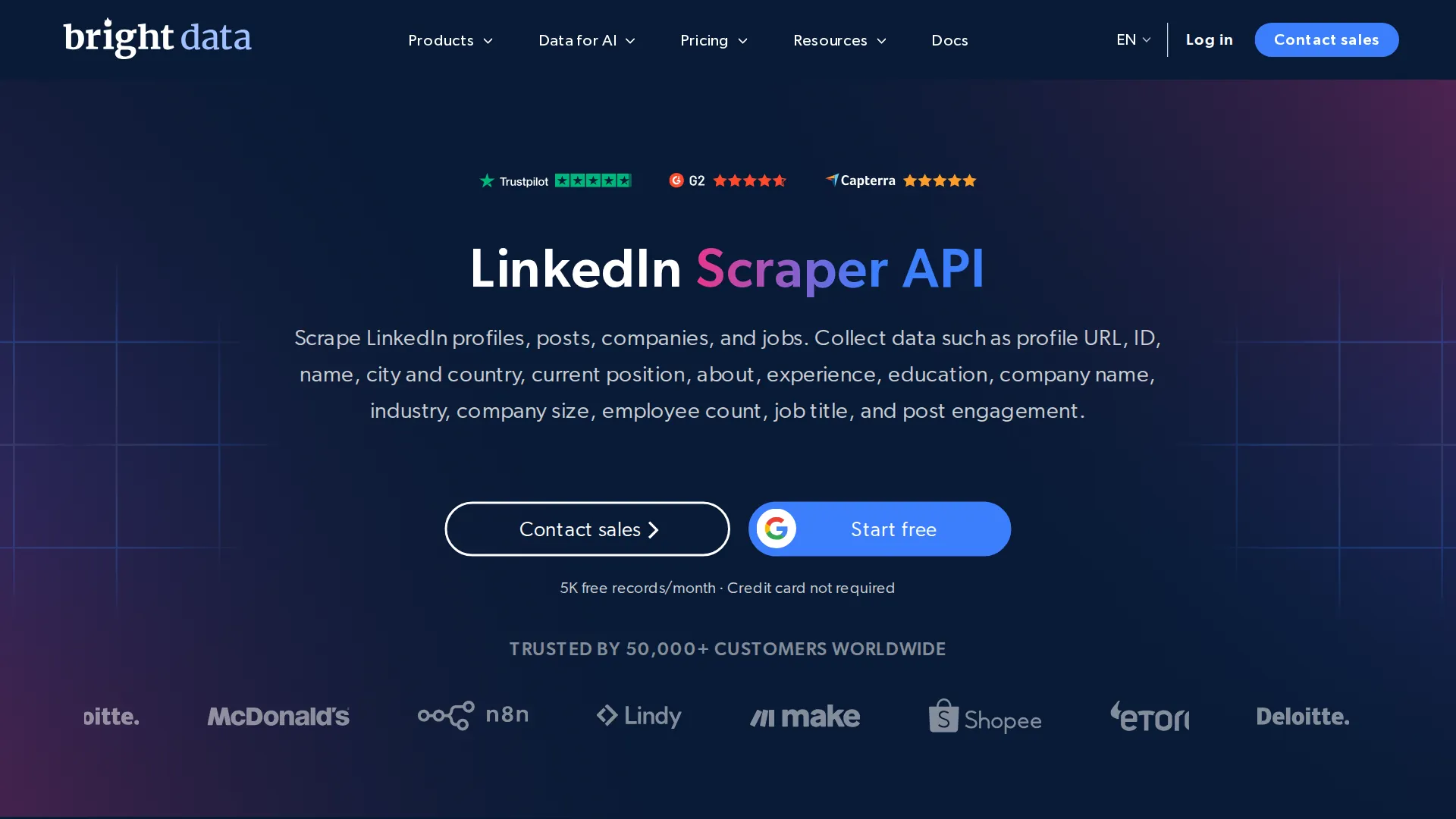
Bright Data sells LinkedIn data through its Web Scraper API, billed per record.
- Covers: Profiles, companies, jobs and posts.
- Price: $1.50 per 1,000 records, $1.30 on its $499 monthly plan.
- Speed: Not published.
- Best for: A steady monthly volume: the $499 plan includes 384,000 records.
- Limits: It bills every record, so 1,000 job listings cost as much as 1,000 profiles.
- Compared with LurkAPI: On LurkAPI, 1,000 profiles cost $0.90 to $0.45 and 1,000 job listings $0.09.
5. PhantomBuster: best for exporting your own LinkedIn searches
PhantomBuster runs automations on your LinkedIn account.
- Covers: Profiles, company pages and exports of LinkedIn searches.
- Price: From $69 a month, or $56 billed yearly.
- Speed: Capped per account: 80 company pages a day on a free LinkedIn account, 150 on Premium.
- Best for: Exporting searches only a logged-in member can run.
- Limits: LinkedIn's help center says members who use such tools "risk having their accounts restricted or shut down."
- Compared with LurkAPI: 1,000 company pages take 13 days. LurkAPI reads them for $0.90, with no account.
6. Evaboot: best for Sales Navigator lead lists
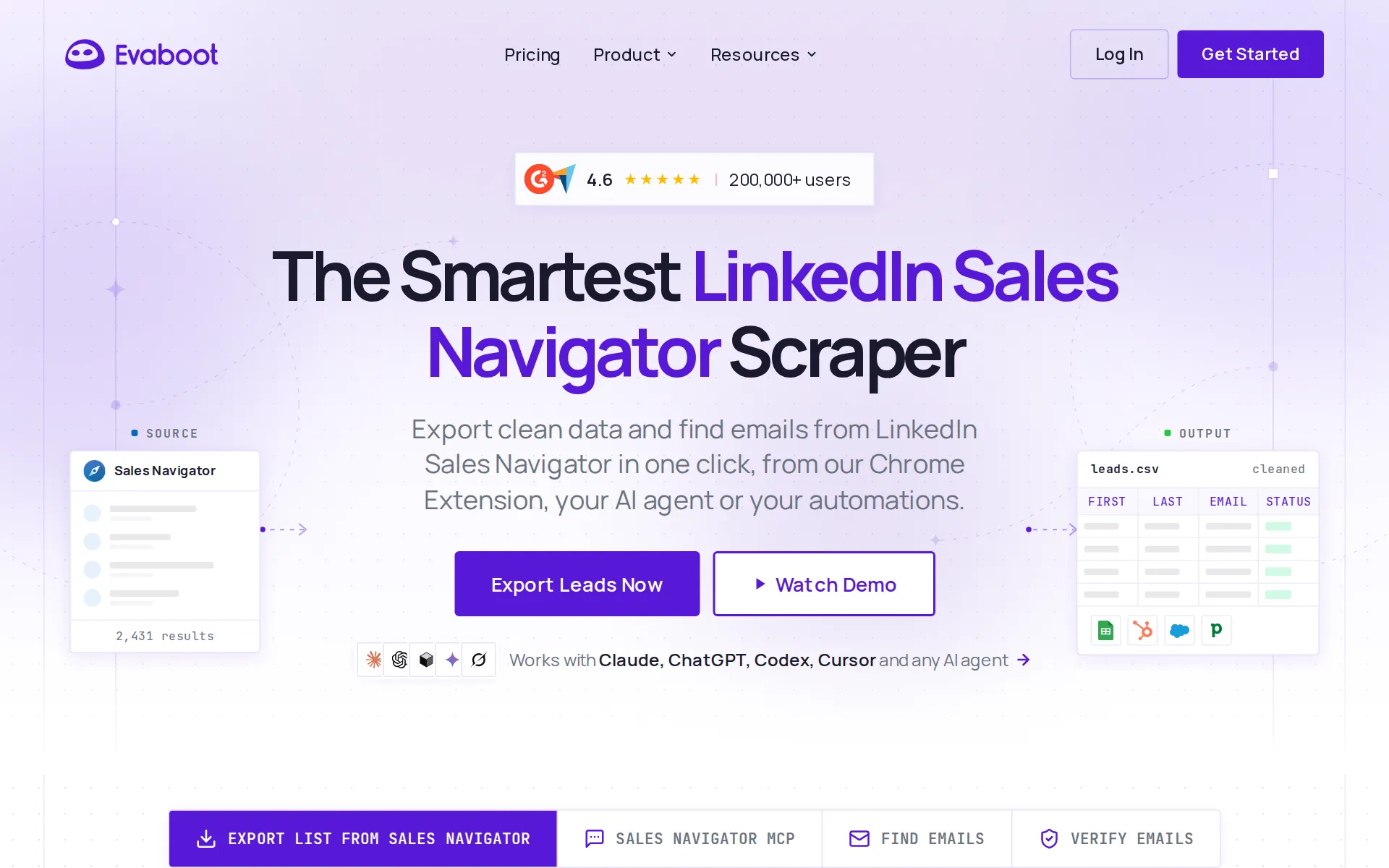
Evaboot exports lead lists from LinkedIn Sales Navigator, so it needs a Sales Navigator seat.
- Covers: Leads from Sales Navigator searches.
- Price: $29 a month for 400 leads, $49 for 1,000, plus Sales Navigator Core at $119.99 a month per seat.
- Speed: Not published.
- Best for: Lead lists built with Sales Navigator's filters.
- Limits: A search exports up to 2,500 leads.
- Compared with LurkAPI: Evaboot and the seat cost $168.99 a month for 1,000 leads; 1,000 public profiles cost $0.90 on LurkAPI.
7. JobSpy: best for free job searches in Python
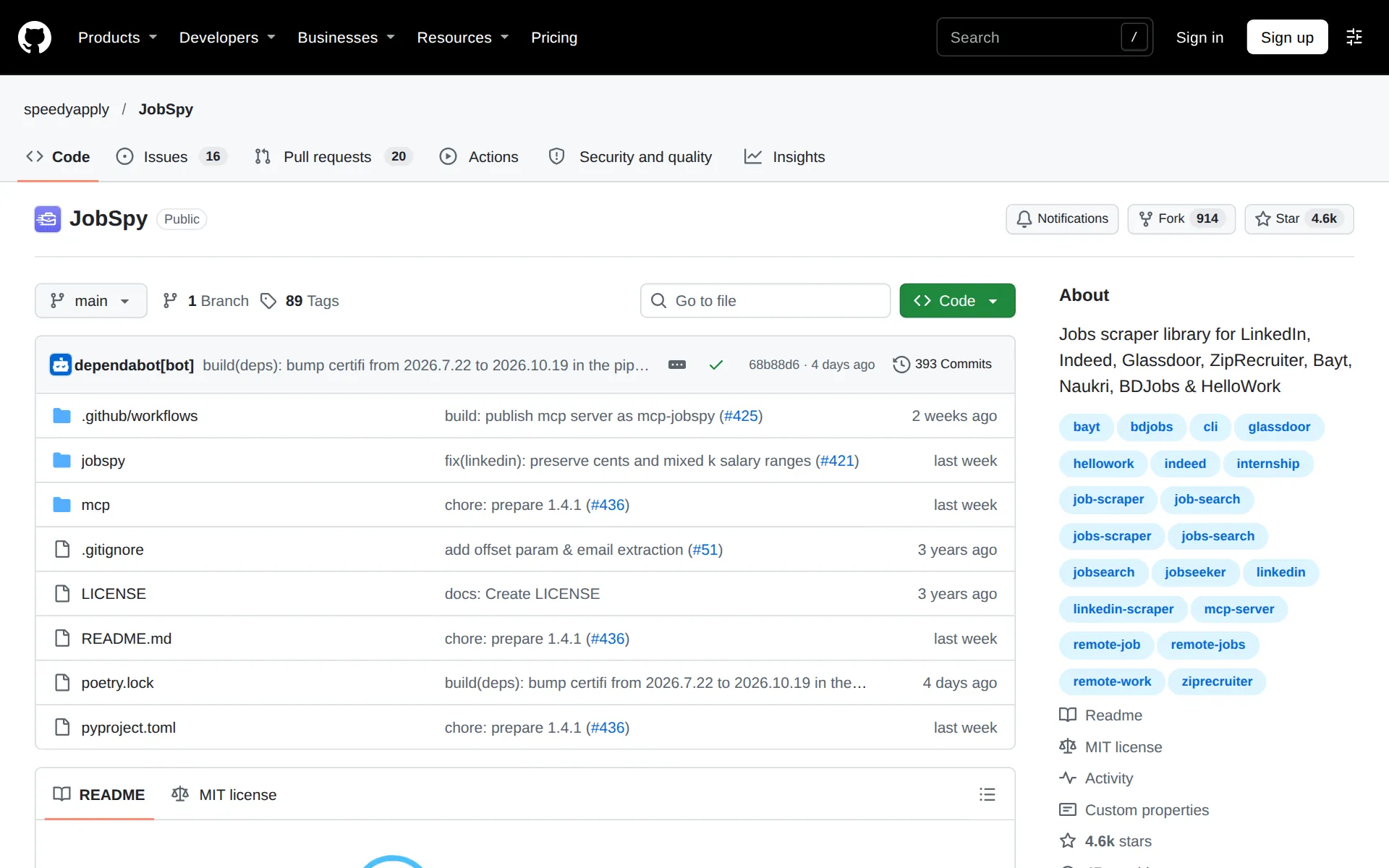
JobSpy is a free, open-source Python library that searches LinkedIn's public job listings and other job boards.
- Covers: Job listings.
- Price: Free. You run it and keep it working.
- Speed: Not published.
- Best for: Trying LinkedIn job searches in your own code.
- Limits: LinkedIn blocks bursts of requests for about a minute.
- Compared with LurkAPI: LurkAPI's 100 free credits read 1,000 listings, with nothing to run.
8. linkedin_scraper: best for profiles from Python, logged in
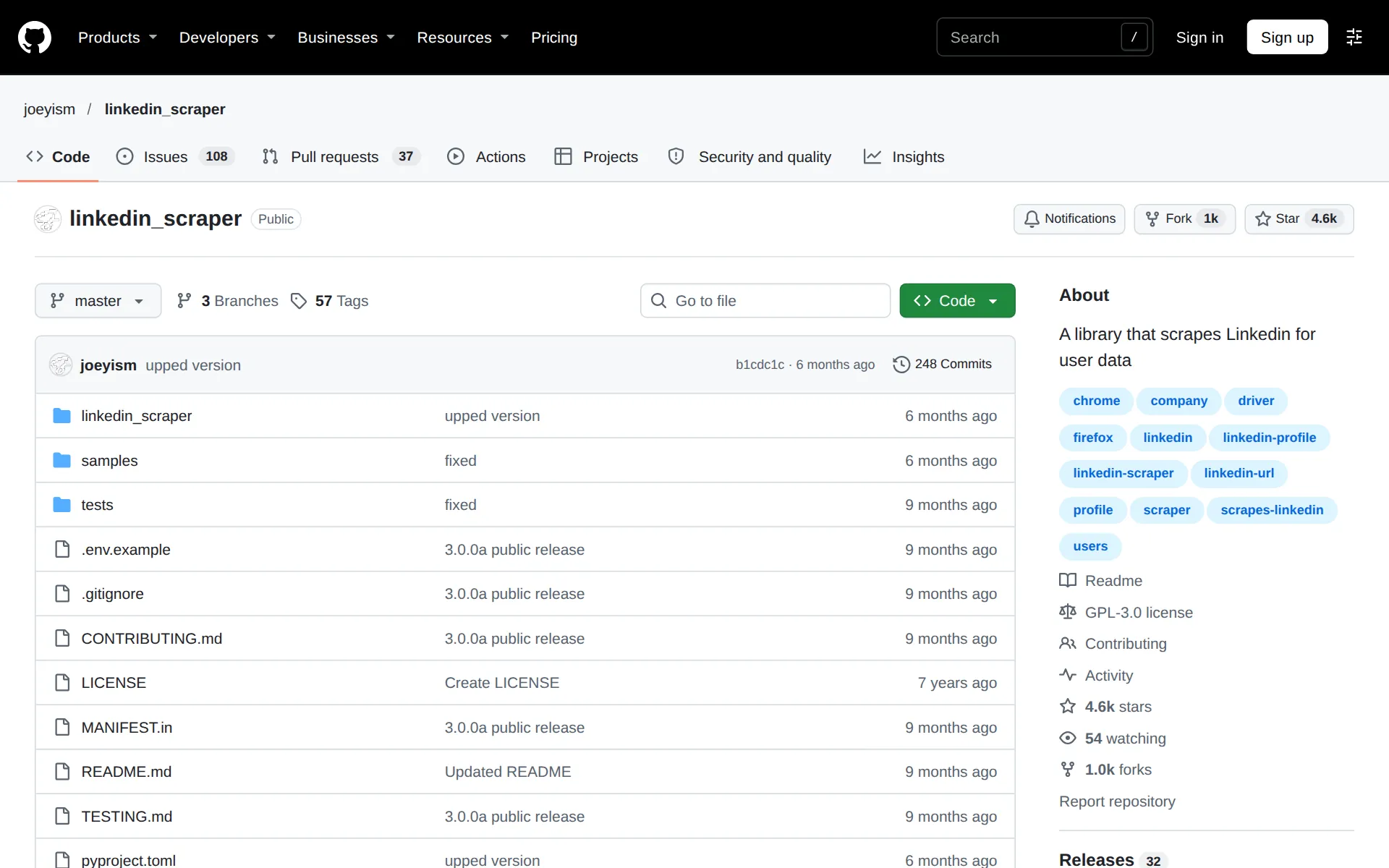
linkedin_scraper is a free, open-source Python library that reads LinkedIn through a saved session of your account.
- Covers: Profiles and company pages.
- Price: Free.
- Speed: Not published.
- Best for: Reading the profiles your own account can see, from Python.
- Limits: It runs on your LinkedIn account, which LinkedIn can restrict.
- Compared with LurkAPI: LurkAPI's 100 free credits read 100 public profiles with no login and nothing to maintain.
Which LinkedIn scraper for which job
- Lead and account lists from profiles and company pages: LurkAPI, because 1,000 cost $0.90.
- Hiring signals and job boards: LurkAPI, because 1,000 listings cost $0.09.
- A competitor's LinkedIn ads: LurkAPI, up to 24 ads a search for 1 credit.
- Posts by keyword: ScrapeCreators.
- People search by Sales Navigator's filters: Evaboot on a seat.
- Your own profile inside your app: LinkedIn's official API (more on LinkedIn's API).
- One profile, once: our free LinkedIn profile viewer.
Start your own job on 100 free credits, no card needed: enough for 100 profiles or 1,000 job listings.